Show your code. Get tipped. Get paid.
Tip4Tab puts a digital tip jar in everyone's pocket — yours to collect, theirs to scan.
For workers
Set up once. From then on it's just your QR.
Create your tip page
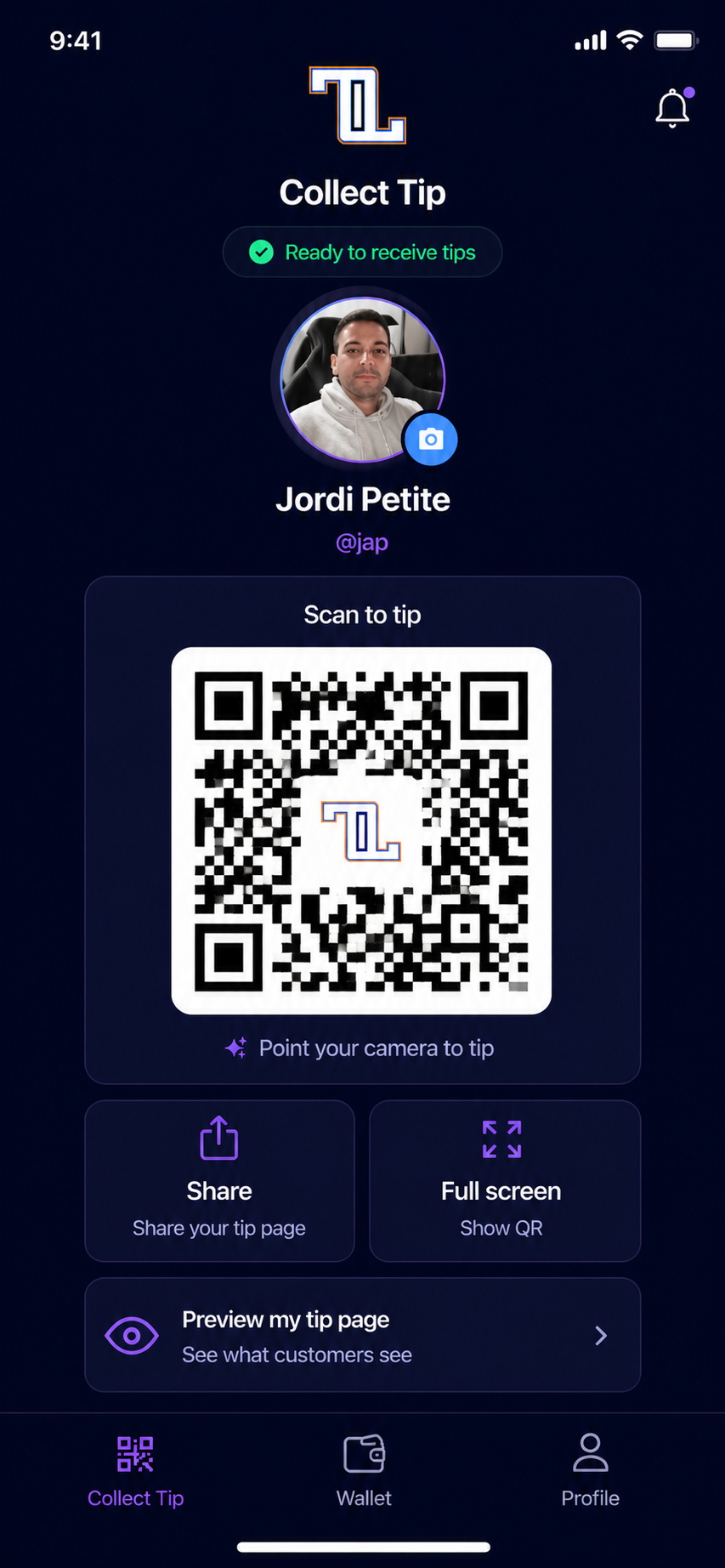
Sign up with your phone number, verify with a code, add your name and photo. You get a personal QR and a public tip link in minutes.
Connect your payout
Link your bank securely through Stripe so tips can land where they belong — yours.
Share your QR
Table tent, badge, lanyard, or link in bio. Customers point their camera — no app or account needed on their side.
Get tipped & cash out
Tips arrive in your wallet. Available funds are ready to cash out; pending clears in ~2 business days. Withdraw to your bank whenever you want.
For the people tipping
No app, no account, no awkward math.
1 · Scan
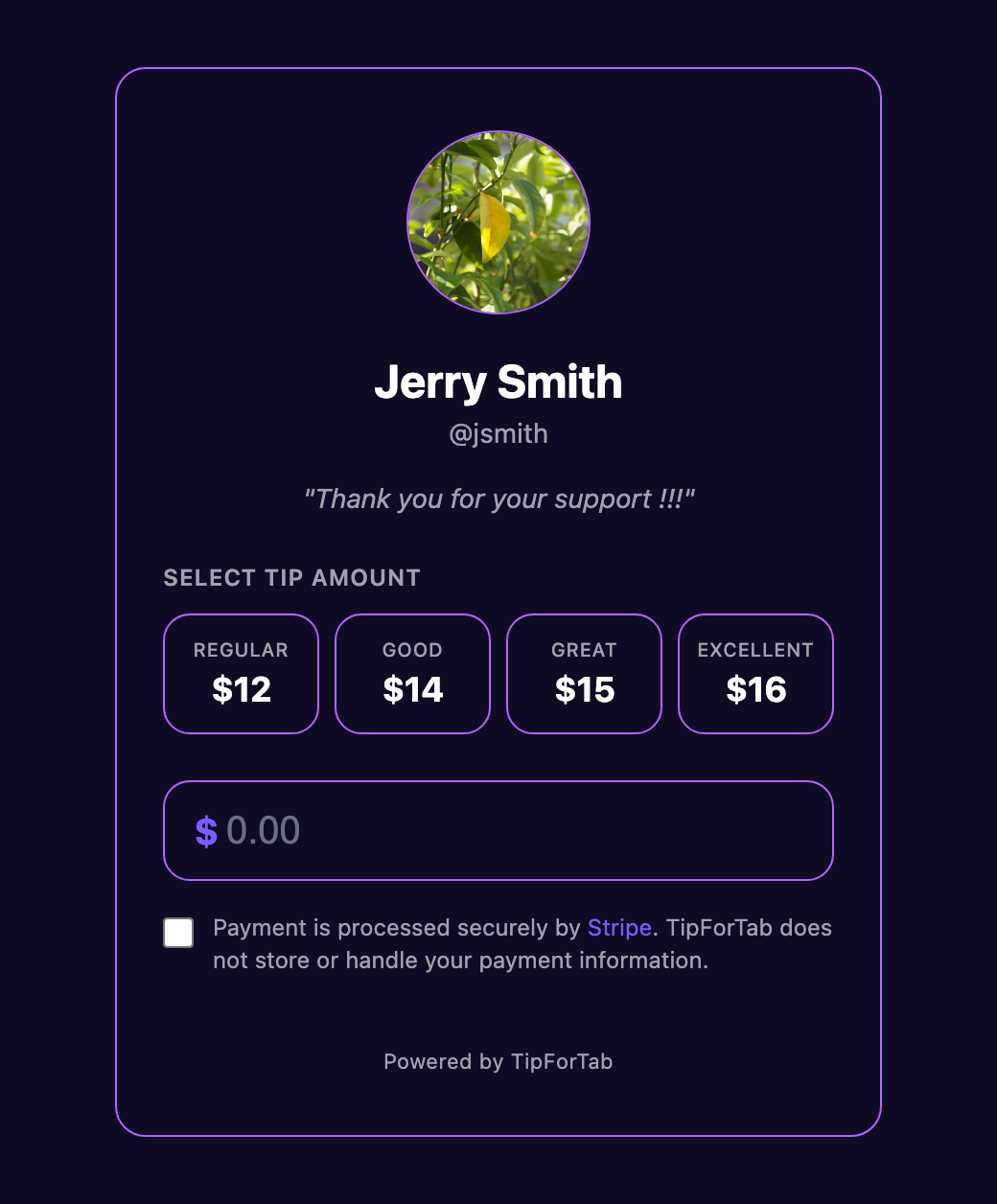
Point your phone camera at the worker's Tip4Tab QR. Their tip page opens instantly in the browser.
2 · Choose your amount
You decide — no preset pressure or forced percentages. Pay by card, Apple Pay or Google Pay.
3 · Done
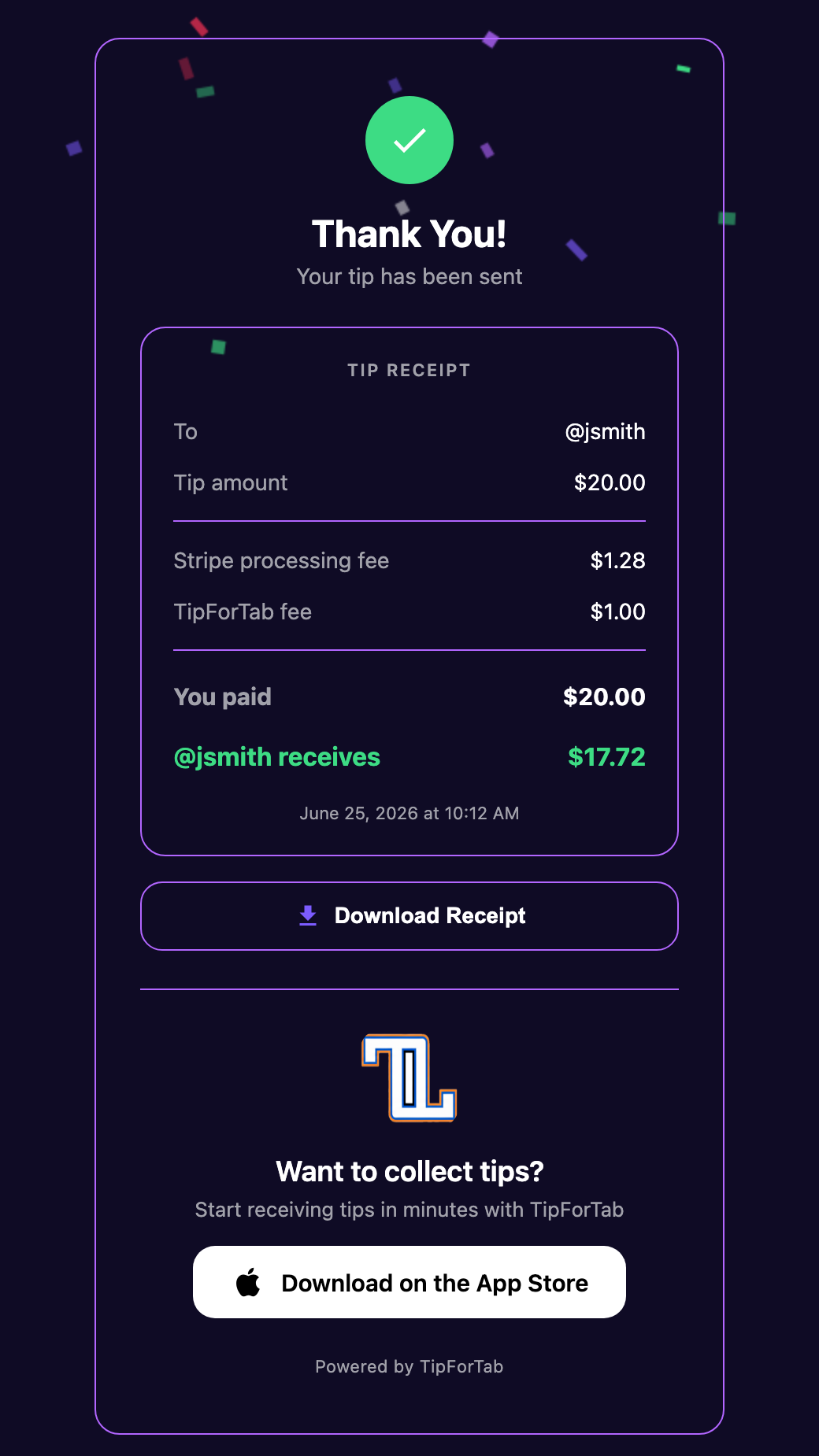
The tip goes straight to the person who served you — not a shared pool or the house — and you get a receipt.